Victron Accessories Guide
BMV-712, Cerbo GX, SmartShunt, Venus OS and everything that connects your system. UK 2026.
Victron's core hardware - MPPTs and MultiPlus inverters - gets all the attention. But the accessories are what turn a collection of boxes into a smart, monitored, remote-controlled energy system. This guide explains every Victron accessory in plain English: what it does, whether you need it, and how much it costs.
Key Accessories at a Glance
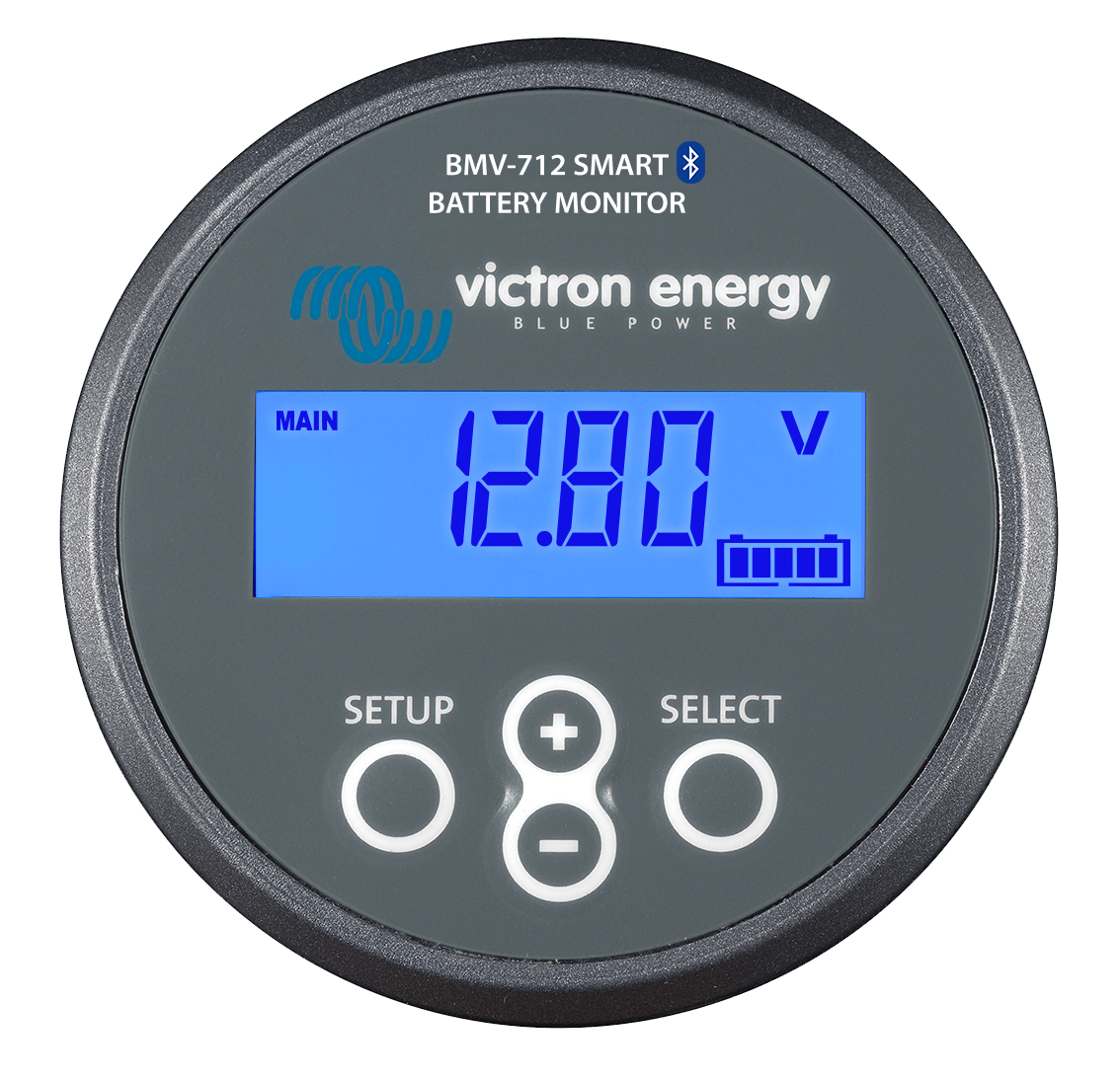
BMV-712 Smart
The gold standard. Wall-mounted display shows voltage, current, SOC, and time remaining. Programmable relay and alarm buzzer. Worth the extra £45 if you want a screen to glance at.
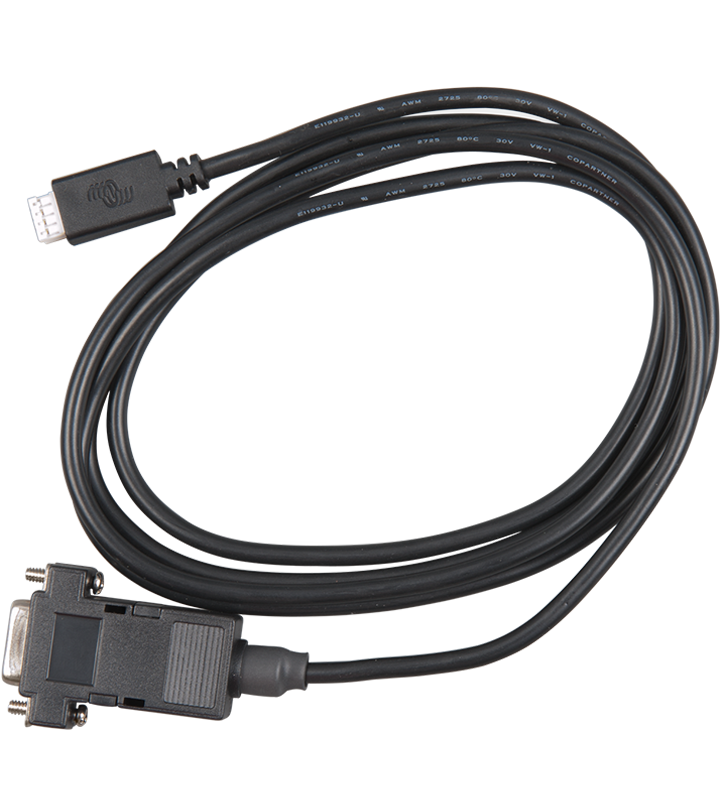
SmartShunt 500A
Same measurement guts as BMV-712, no screen. Smaller, cheaper. The sensible default if you have a Cerbo GX for central monitoring. Also available in 1000A version.
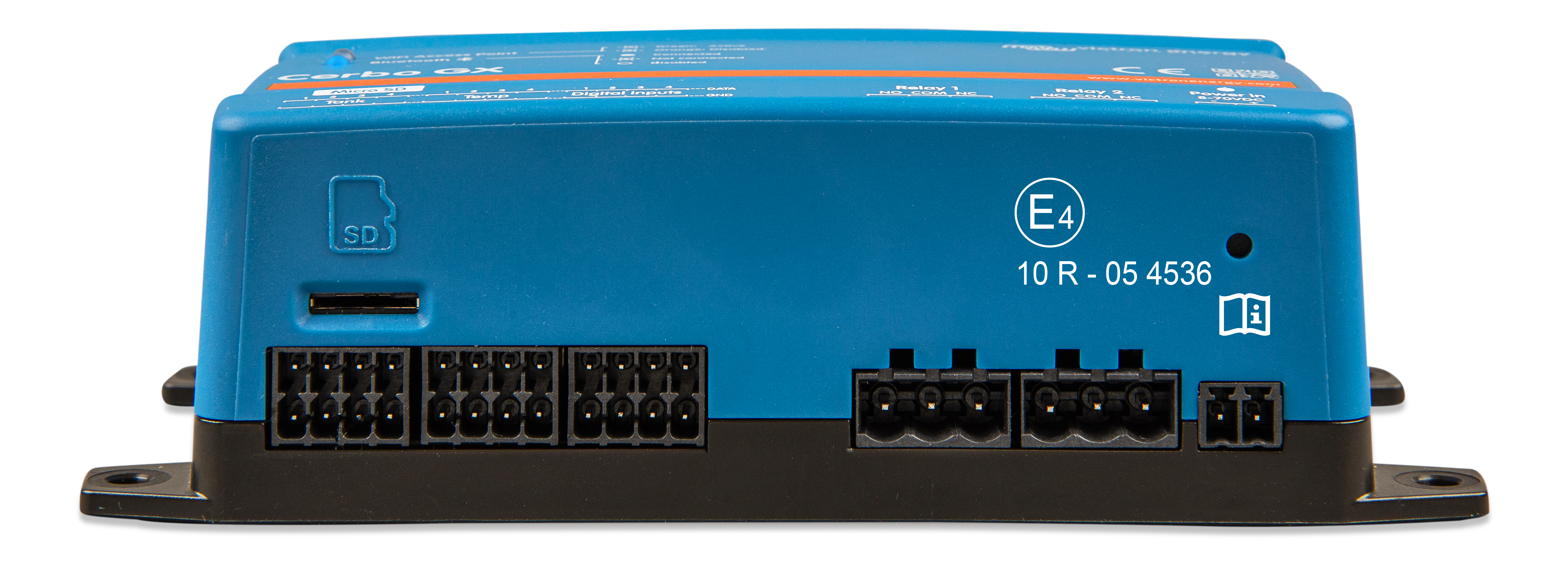
Cerbo GX
The single best upgrade after core hardware. Connects all Victron gear to one dashboard, uploads to VRM portal for remote monitoring. Multiple VE.Direct, VE.Can, VE.Bus ports plus relay outputs and tank sensor inputs.
Venus OS on Raspberry Pi
Same software as Cerbo GX, runs on a Pi. Needs VE.Direct to USB cables (£25 each). No relay outputs or tank inputs without extra hardware. Perfect if you enjoy tinkering.
Communication Protocols Explained
Victron devices talk to each other over three different protocols. If you've ever stared at the back of a Cerbo GX wondering which cable goes where, here's the answer.
| Protocol | Connector | Used by | Connects to | Cable |
|---|---|---|---|---|
| VE.Direct | 4-pin JST | Small MPPTs (up to 150/100), BMV-712, SmartShunt | Cerbo GX or Pi via USB adapter | VE.Direct to USB (£25) |
| VE.Can | RJ45 (ethernet) | 250V MPPTs, large inverters, Lynx BMS | Cerbo GX CAN port, daisy-chain | Standard ethernet |
| VE.Bus | RJ45 (ethernet) | MultiPlus, Quattro inverters | Cerbo GX VE.Bus port, daisy-chain | Standard ethernet |
In practice: your small MPPT and BMV plug into the Cerbo GX's VE.Direct ports (or USB ports with adapter cables). Your MultiPlus plugs into the VE.Bus port. Your 250V MPPT (if you have one) plugs into the CAN port. Everything appears on one dashboard. That's it.
Battery Compatibility
Victron gear works with basically any lithium battery that speaks CAN bus, plus any dumb lead-acid or LiFePO4 battery via voltage-based control. Officially supported batteries with plug-and-play CAN profiles:
- Pylontech US2000/US3000/US5000 - most popular in UK DIY builds
- BYD Battery-Box
- LG Chem RESU
- Freedom Won
- Battle Born
- DIY LiFePO4 with JK BMS - set CAN output to Pylontech protocol and it works
The JK BMS + Pylontech protocol trick is the unofficial standard in the UK DIY community. Set your JK BMS CAN output to "Pylontech" in the app, connect the CAN wires to the Cerbo GX, and the MultiPlus treats your homemade battery like a factory Pylontech stack.
VictronConnect App and VRM Portal
VictronConnect is free for iOS and Android. Connects to any Victron device with Bluetooth (all SmartSolar MPPTs, BMV-712, SmartShunt). Lets you read live data, update firmware, and change settings. The app is genuinely good - responsive, well-designed, regularly updated. One of the reasons people pay the Victron premium.
Through a Cerbo GX (or Venus OS), you can also access VictronConnect remotely via VRM - check your system from the pub.
VRM Portal (Victron Remote Management) is a free cloud portal that logs all your system data with 6 months of history at 1-minute resolution. Graphs, alerts, firmware update notifications. If you have a Cerbo GX or Venus OS Pi with an internet connection, it's already uploading. Visit vrm.victronenergy.com to see a demo.
Frequently Asked Questions
Do I need a Cerbo GX for my Victron system?
Strictly: no. Your MPPT and MultiPlus work standalone. But without a Cerbo GX (or Venus OS on a Pi), each device operates independently with no central monitoring, no VRM remote access, and no coordinated charging. For a home system you want to monitor remotely, a Cerbo GX or Venus OS Pi is the single best upgrade after the core hardware.
What's the actual difference between BMV-712 and SmartShunt?
Both use the same 500A shunt and measure the same things. The BMV-712 has a round LCD display, a programmable relay, and an alarm buzzer. The SmartShunt has none of those - you read everything via Bluetooth or a Cerbo GX. Measurement accuracy is identical. The SmartShunt is £45 cheaper.
Can I use a Raspberry Pi instead of a Cerbo GX?
Yes. Venus OS runs on a Raspberry Pi 3B+ or 4 and does everything a Cerbo GX does. You'll need VE.Direct to USB cables (£25 each) for each device. No relay outputs or tank sensor inputs without extra hardware, but for home solar monitoring it's perfect and about half the price.
How many VE.Direct to USB cables do I need?
One per VE.Direct device you want to connect to the Cerbo GX or Pi. Typical setup: one for your MPPT, one for your BMV or SmartShunt. If you have two MPPTs (e.g., east/west roof faces) and a battery monitor, that's three cables. They're £25 each on Amazon.
Does Victron gear work with DIY LiFePO4 batteries?
Yes, and it's very common in the UK. Use a JK BMS with CAN bus, set it to output the Pylontech protocol, and connect to the Cerbo GX. The MultiPlus sees it as a Pylontech stack and everything works - SOC reporting, charge/discharge limits, temperature protection. If you don't have CAN bus on your BMS, you can run the battery in "dumb" mode with voltage-based control through the MultiPlus. Less elegant but perfectly functional.